



Online Banking (Open Online) Enrollment
Step 1: On the Log in page, click “Sign up.”
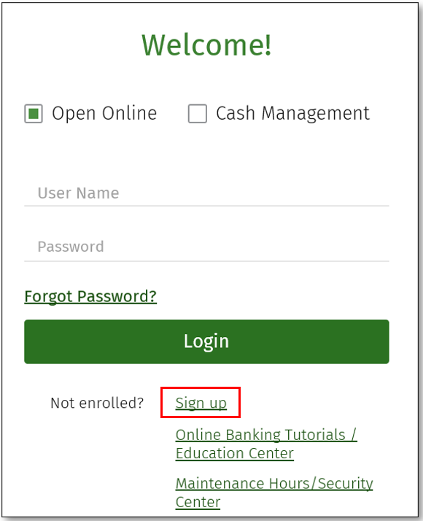
Step 2: Enter your identification information. Click “Enroll”.

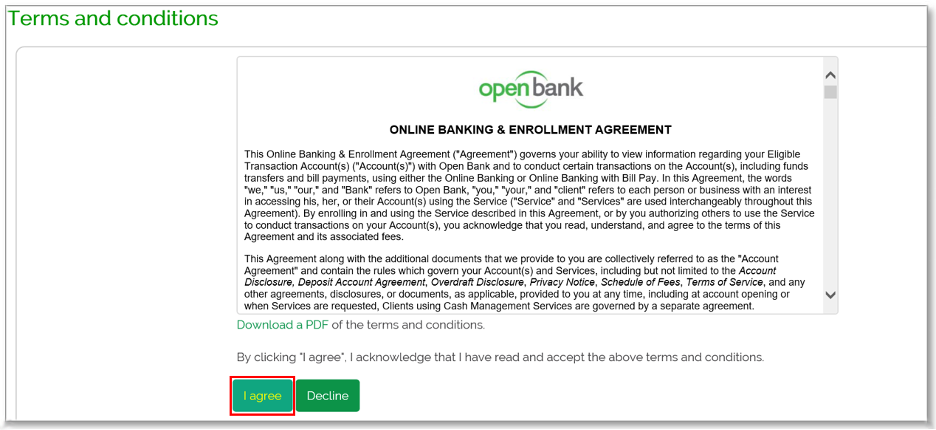
Step 3: Read and Accept the Terms and conditions by clicking “I agree”
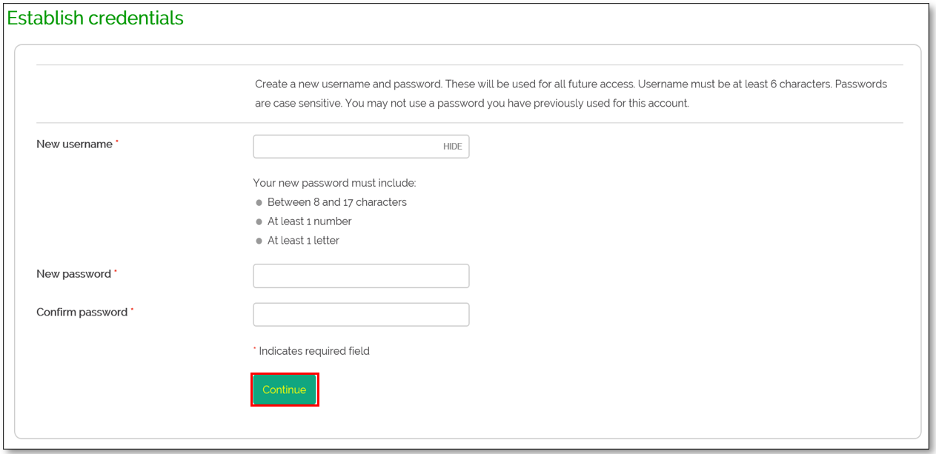
Step 4: Create username and password. Click “Continue”.
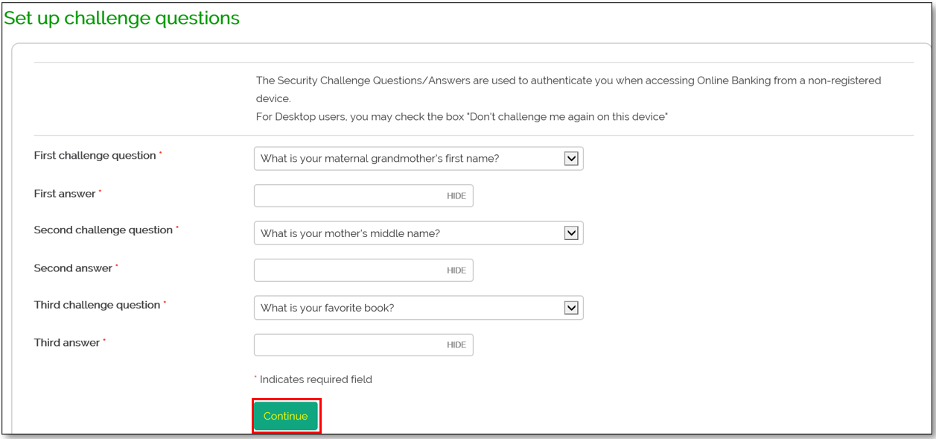
Step 5: Set Up your Challenge Questions. Click “Continue”.
Step 6: Enter the Mobile phone number you would like to use to receive your one-time passcode (OTP). Click “Continue”

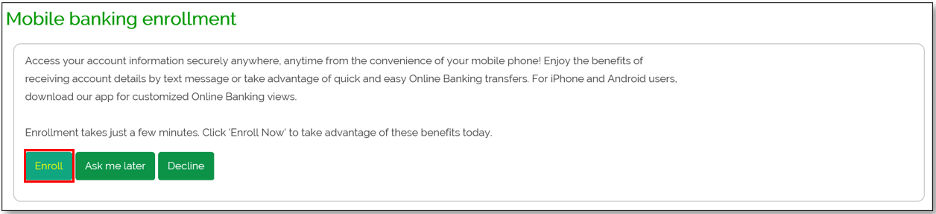
Step 7: Mobile banking enrollment. Click “Enroll” to access your account using your mobile phone.
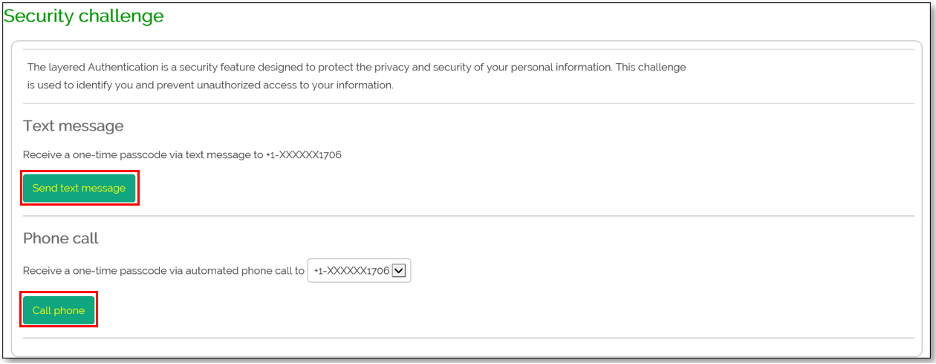
Step 8: Once enrolled, you will now be prompted to log in using the security challenge below. You will need to authenticate yourself with using the one-time passcode through text message or by phone call.
Resetting a Forgotten Password
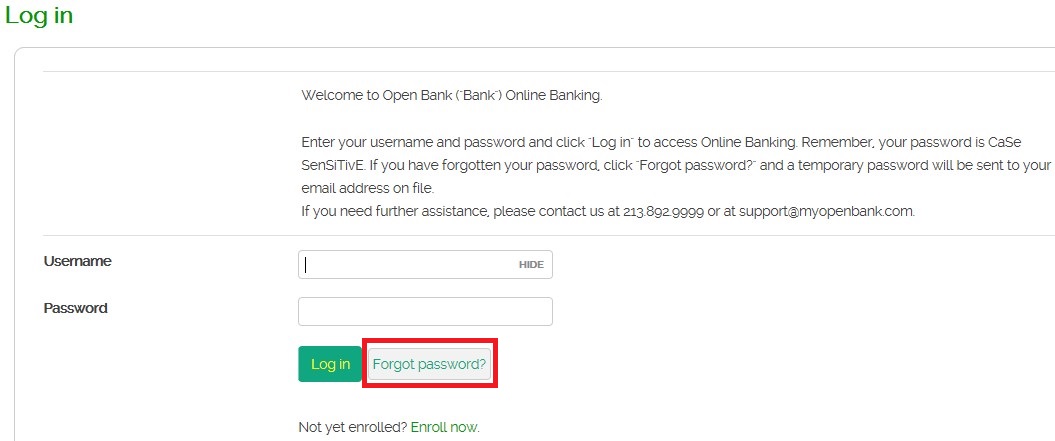
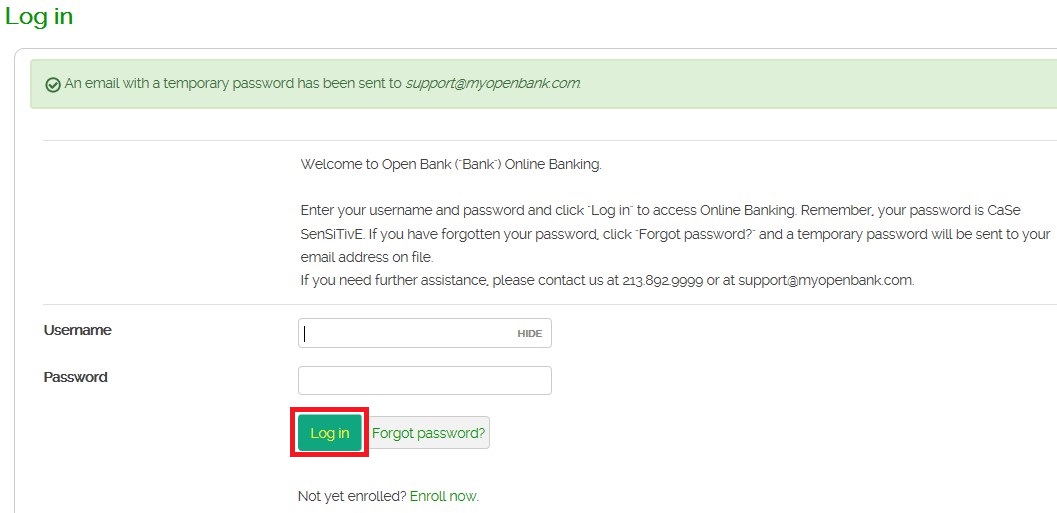
Step 1. On the Log in page, click “Forgot Password”.
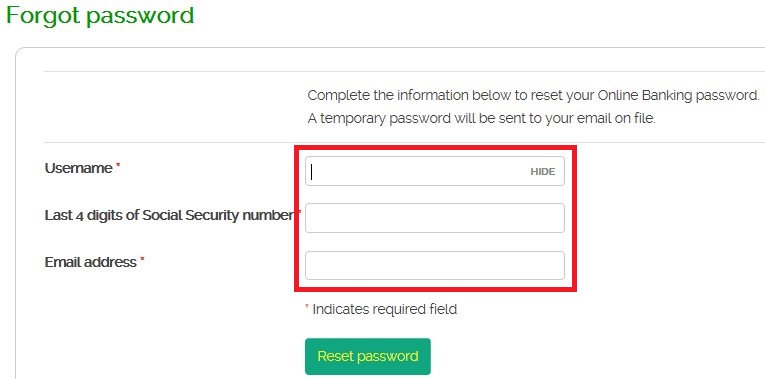
Step 2: Input the information and click “Reset Password”. The email address that you enter must match the email address we have on file for you.
Step 3: Login using the temporary password that was sent to your email address.
Frequently Asked Questions (FAQ)
You can view your account history, view check images, view/print statements, download transaction history, place stop payments, categorize your transactions, transfer funds between your Open Bank accounts, set up alerts, order checks, transfer funds to your external bank accounts, pay bills and utilize Zelle services.



